

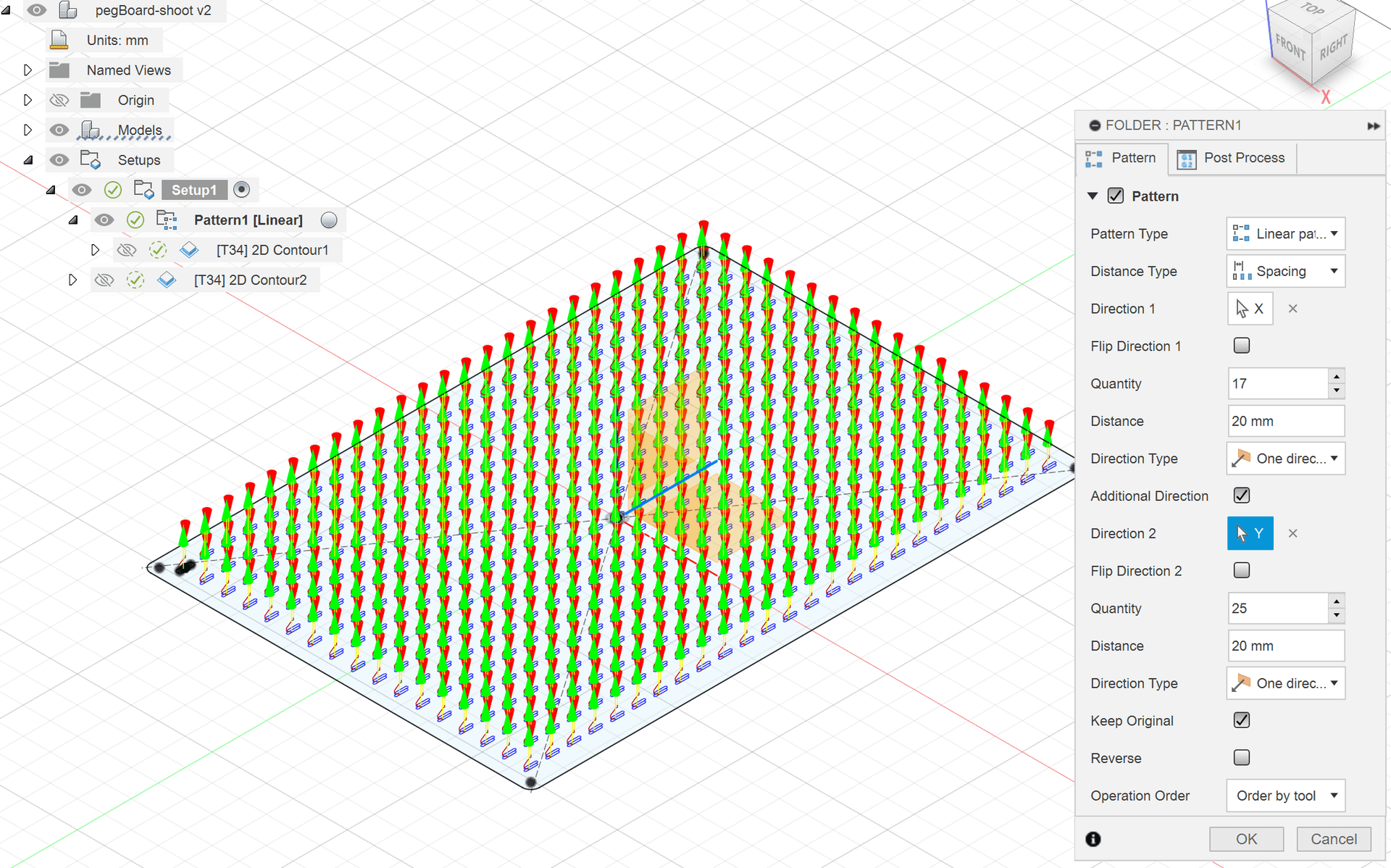
Using Toolpath Patterns in Fusion
Create and machine a parametric pegboard using a toolpath pattern. You will learn how to prepare the design and how to use the Pattern operation in the Manufacture workspace.

Xavier Klein
CNC Educator
In order to create a G-code from your CAM software and make it compatible with your Mekanika CNC machine, you need to choose the right post-processor.
This article will guide you through the process on Autodesk Fusion and Vectric VCarve or Aspire, whether you work on Mac or Windows.
If you are using another CAM software, please contact our support team. We will gladly help you find a matching post-processor.
Open Fusion and go directly to the “Manufacture” workspace.

Open the “Post Process” menu by clicking on 

In the “Post” section, click on 
This will open the “Post Library”.

Type “Mekanika” in the search field and select the only item found.

Finish by clicking on “Ok” and you're done!
From now on, Fusion will use this post-processor by default.
You can always check if it is correct when posting your setups by verifying this field.

First, download Mekanika's Post-Processor for Vectric softwares from our Support Website. And save it somewhere on your computer.
In the software, open the toolpath tab and click on "save toolpath".

Click on the "Post-Processor" field.

Select "Add Post-Processors".
In the "Associated Post-Processors" window, click on the + icon.

At the bottom of the window, you will find a folder icon.
By hovering your mouse over it, you will see "Install Post-Processor to custom Post-Processor directory". Click on it.
Navigate your computer to select the downloaded Post-Processor (link above) and click "open".

Back to the “Post-Processor Management” window.
Choose "Mekanika(mm)(*.ngc)" and then click on Select to confirm.

It should now be your default Post-Processor in your software.
Mekanika is a Belgian company based in Brussels whose ambition is to make local production more accessible thanks to a 100% open-source approach.
We design and produce high quality machines for CNC milling and screen printing, which have been recognized for their reliability and ease of use. Our tools are delivered as kits and fully documented, allowing to easily adapt them to specific needs.
Visit our shop to find out more, or check out our online resources and tutorials to continue learning.
Create and machine a parametric pegboard using a toolpath pattern. You will learn how to prepare the design and how to use the Pattern operation in the Manufacture workspace.
Xavier Klein
CNC Educator
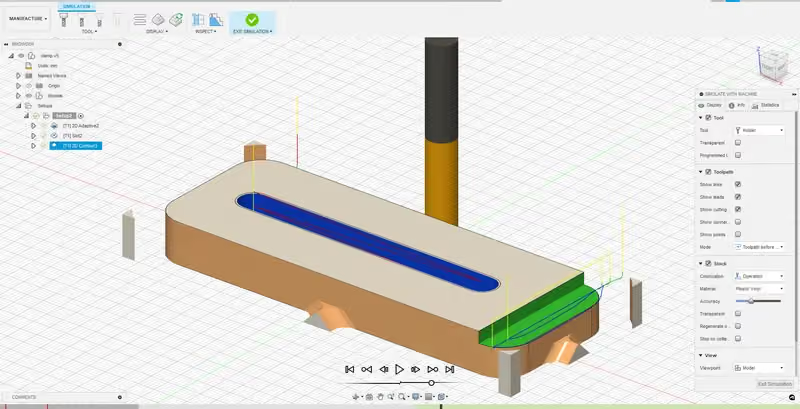
Learn the basics of Autodesk Fusion: the interface, the design of a parametric clamp and the preparation of its CNC machining.
Xavier Klein
CNC Educator
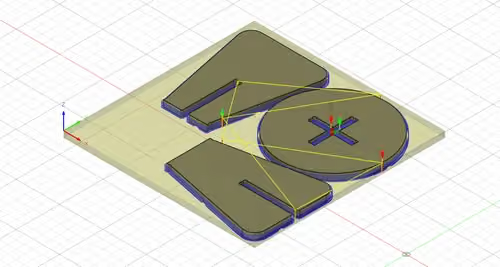
Learn how to design a parametric stool assembled with mortise and tenon and cross lap joints, then prepare its machining in Autodesk Fusion.
Xavier Klein
CNC Educator